
Quick answer: what makes a good Forge horror mod?
The best Minecraft horror mods for Forge are not simply the ones with the loudest creature or the most dramatic thumbnail. A good fit has a real Forge artifact for your exact Minecraft version, a readable dependency list, a source page you can revisit, and a scare style that matches the way you want to play. A slow cave encounter, a stalking entity, and a long infection system all place different demands on a profile.
For a first test, start with one main horror project in a clean Forge instance. Keep the world temporary, record the file page and version, and add optional performance or ambience mods only after the base profile starts cleanly. That order turns a crash into a diagnosable compatibility problem instead of a pile of guesses.
The short decision rule is simple: lock Minecraft, choose Forge, read dependencies, verify the file type, then test a new world. If a page only offers a renamed archive, an executable installer, or a vague mirror, it is not a safe Forge recommendation just because its title contains the word horror.
- Match Minecraft and Forge before comparing scare styles
- Confirm the exact JAR and every required dependency
- Separate Forge files from Fabric and NeoForge branches
- Use a clean profile and a disposable test world
- Keep the official project or file page beside your notes
Forge, Fabric, and NeoForge are separate compatibility paths
Forge is a loader ecosystem, not a label that can be added to any Minecraft mod. A Forge project can depend on a particular Minecraft release, Forge build, library, resource pack, or server-side component. Fabric uses a different loader and API family. NeoForge is related historically but is still its own branch with its own files and metadata. Moving a Fabric JAR into a Forge mods folder does not create a Forge build.
Version labels need the same care. A site may show 1.20.1, 1.21.1, and a newer 1.21.x branch close together in a search result, but a project can require a different artifact for each line. The current site guide for Minecraft 1.20.1 remains useful for that exact boundary; this page adds the loader-specific decision rather than pretending that every Forge horror mod is current for every version.
Use the comparison below as a reading aid, not as a promise that a project supports every branch. The project page and file metadata win when they disagree with a listicle, video description, or search snippet.
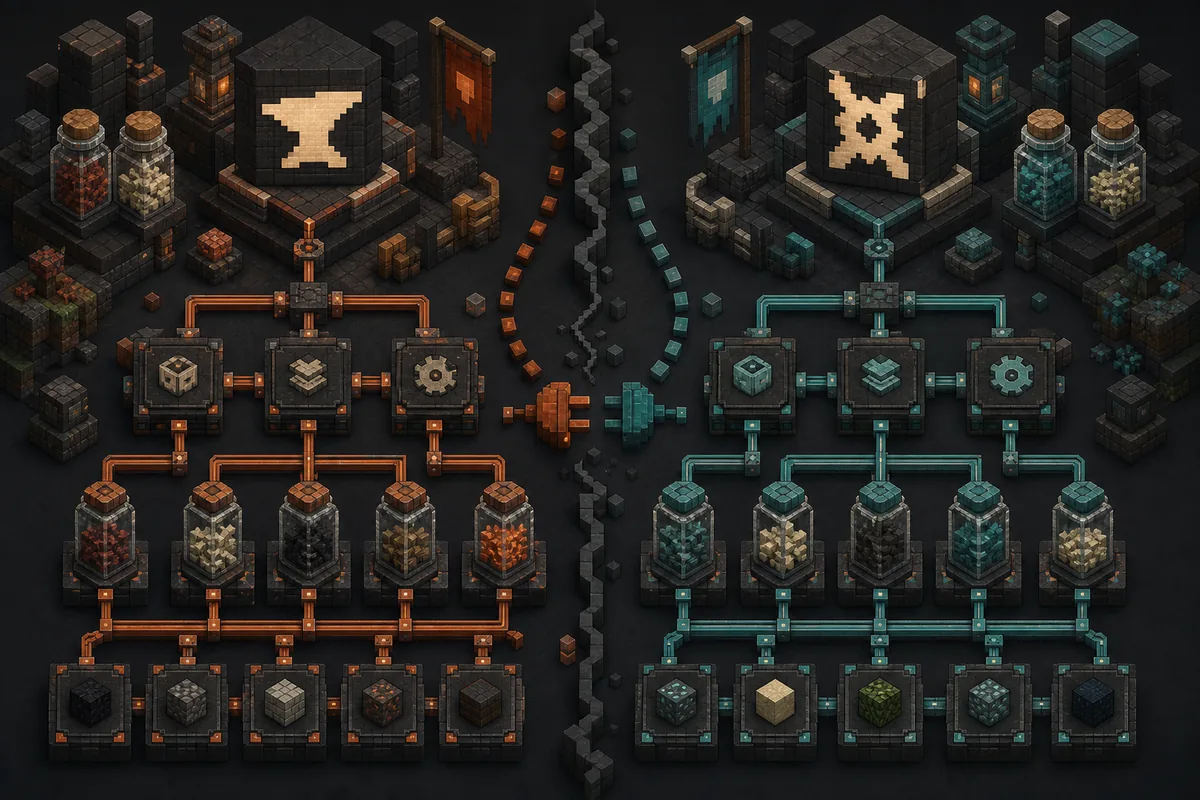
Choose a Forge horror profile by version and scare style
Search results for Minecraft horror mods for Forge mix individual mods, modpacks, older projects, and source archives. Start by deciding whether you want a single creature, a cave-focused encounter, a slow-burn atmosphere, or a complete progression system. Then filter the shortlist by the exact Forge and Minecraft combination instead of choosing a name first.
The examples below are useful starting points because they represent different decisions already covered by the site's source reviews. They are not permanent rankings. Open the linked project page, select the file for your version, and read its dependencies and changelog before every installation.
| Project or format | Best fit | Forge check before installing |
|---|---|---|
| Cave Horror Project 1 | Cave exploration, creatures, and a focused Forge experience | The reviewed branch targets Minecraft 1.20.1 Forge; confirm the current file and required libraries |
| Cave Dweller and variants | A single stalking entity with several community branches | Separate the older Forge project from Fabric, Quilt, and Bedrock variants; never mix their JARs |
| From The Fog-style projects | Atmosphere, sightings, and slow-burn tension | Check whether the selected file is Forge for your Minecraft version and whether a resource pack is required |
| Forge horror modpack | Players who want a curated progression rather than one mod | Treat the pack manifest as the source of truth; do not add individual mods over it without a backup |
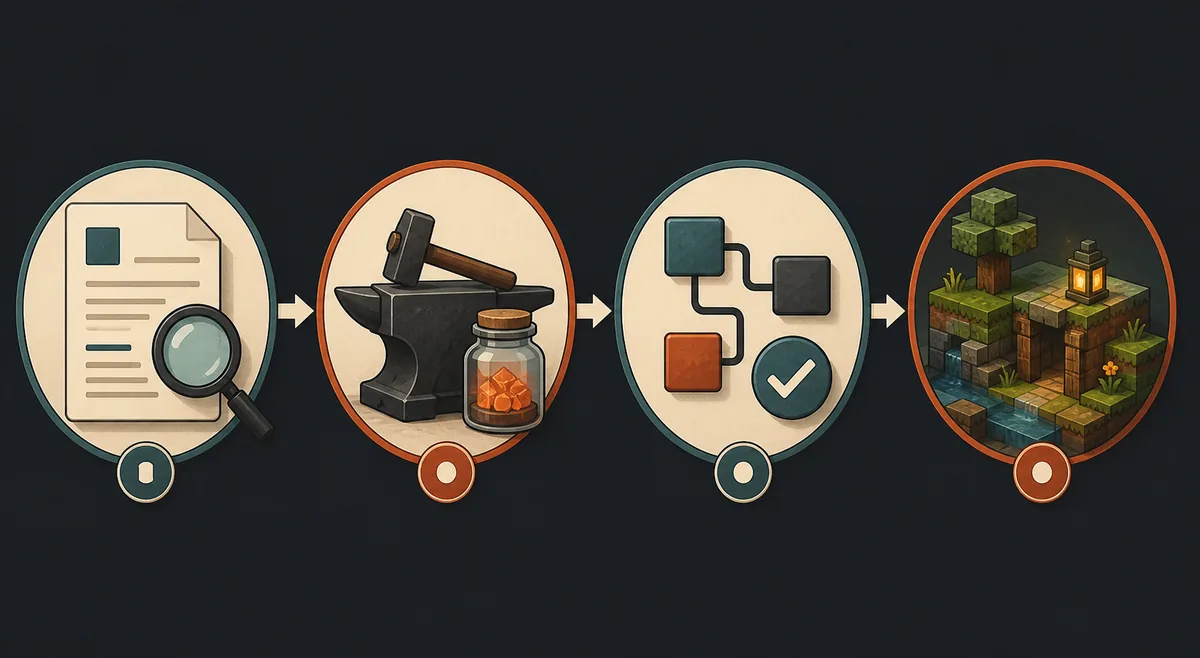
Safe order for installing a Minecraft horror mod on Forge
The safest Forge installation is deliberately boring. You want one known loader, one matching game version, one main horror project, and a new world that can be discarded. When the first launch succeeds, keep a copy of the working profile before adding shaders, voice chat, performance tools, or a second entity mod.
Do not extract a compiled JAR, rename a Fabric file, or treat an EXE or APK as a normal Minecraft Java mod. If the source page does not clearly identify the artifact, loader, version, and dependencies, stop and verify the project before continuing.
- 1
Lock the Minecraft version
Write down the exact game version, then choose the matching Forge profile. Do not start from the mod name alone.
- 2
Read the official project or file page
Confirm the Forge artifact, publication date, dependencies, client/server role, and any required resource pack or library.
- 3
Create a clean instance
Give the profile its own mods, config, logs, and saves so a crash or world change cannot silently affect your main instance.
- 4
Launch a new test world
Check the Mods screen, generation, entities, audio, memory use, and latest.log before opening a valuable save.
- 5
Freeze the working profile
Copy the profile and world backup, record the file URL, and add optional mods one at a time only after the base test is clean.
Dependencies, performance, and multiplayer checks
A Forge horror profile can fail even when the main JAR is correct. Missing libraries, wrong Java runtime settings, a client-only visual add-on on a dedicated server, and a resource pack for the wrong game version are common causes. Read the dependency list from the same project record as the file you selected, then keep that record with the profile.
Horror systems can use more resources than a normal decoration mod. Entity scanning, pathfinding, sound loops, particles, world events, and extra generation can affect a laptop or a server differently. Test with a sensible render distance, watch the log, and remove one change at a time when you diagnose a slowdown.
For multiplayer, write a small manifest for the server and every client. Separate client-only ambience from gameplay dependencies, make sure every player uses the same Forge and Minecraft line, and test on a private world first. A friend joining with Fabric or NeoForge when the server expects Forge is a compatibility mismatch, not evidence that the horror mod is broken.
| Check | Single-player test | Multiplayer implication |
|---|---|---|
| Loader and version | Confirm the profile starts and lists the expected mod | Server and clients need the documented Forge/Minecraft pair |
| Dependencies | Read missing-library errors in latest.log | Publish one manifest so players do not install different branches |
| World changes | Use a new world and back up before updates | Back up the server world before changing entities or generation |
| Audio and rendering | Measure memory, stutter, and accessibility settings | Keep optional client effects out of the required server stack |
Use CurseForge or Modrinth as a record, not as a shortcut
A searchable project page is valuable because it gives you a name, author, file history, loader metadata, game versions, dependencies, license information, and changelog context. That makes it easier to tell a real Forge artifact from a source ZIP or an unrelated mirror. It still does not remove the need to select the exact file for your profile.
When the search intent includes CurseForge, remember that the platform can list Forge, Fabric, NeoForge, Bedrock add-ons, modpacks, and source-like files in related results. Check the project category, publisher, loader, version, file extension, date, and dependency notes together. A page title alone is not a compatibility check.
This site keeps download claims conservative. The current Verity reference page and the site's separately reviewed Verity JE CurseForge record do not identify the same artifact, so this article does not invent a new direct download URL or call either record the universal latest Forge horror mod. Use the existing download and verification pages when you are researching Verity itself.
- Prefer the official project or file page over a countdown mirror
- Match author, project category, loader, Minecraft version, and file type
- Treat source archives as source code, not ready-to-install JAR files
- Keep the changelog and dependency list beside the profile backup
- Reject EXE, APK, password prompts, and guessed CDN paths
Common Forge horror-mod failures and what to check
If the mod does not appear, first check the profile path and loader. If Minecraft crashes before the title screen, compare the game version, Forge build, Java runtime, and dependencies in the log. If the world loads but the horror content never appears, review configuration, generation rules, difficulty requirements, and whether the project is client-only or server-required.
Avoid solving every error by adding more files. Extra libraries from a different project can make the profile harder to audit. Restore the last known-good backup, re-add the main project, and then change one variable at a time.
| Symptom | Likely cause | Safer next step |
|---|---|---|
| JAR is not listed | Wrong profile, wrong folder, or wrong loader | Open the selected Forge instance and confirm the exact mods directory |
| Crash on startup | Version, dependency, Java, or loader mismatch | Read the newest log and remove the last added file |
| No creature or event appears | Config, world, difficulty, or server role is different | Test a new world and compare the project's documented conditions |
| Friends cannot join | Server/client manifest or loader mismatch | Write one shared list and test privately before using a main world |
Final decision: build the profile first, then pick the scare
Choose Minecraft horror mods for Forge when the project page, Minecraft version, Forge line, dependencies, and profile role all agree. Cave-focused projects suit players who want a concentrated encounter; stalking entities suit short sessions; atmosphere projects work when sound and lighting matter more than progression; modpacks are better when you want a complete curated world and are willing to follow a manifest.
For a version boundary, continue to the Minecraft 1.20.1 guide. For Fabric-specific choices, use the Fabric guide. For a shared server, use the multiplayer guide. This page stays focused on the Forge loader decision so you can reach the correct file before you install anything.
Minecraft horror mods for Forge FAQ
What are the best Minecraft horror mods for Forge?
There is no universal winner. Start with the scare style you want, then choose the project that has a documented Forge file for your exact Minecraft version. Cave Horror Project, Cave Dweller variants, atmosphere projects, and Forge modpacks represent different types of play; check the current project page before installing.
Can I use a Fabric horror mod with Forge?
Not by default. Fabric and Forge use different loaders, APIs, and metadata. Use a file explicitly published for Forge or a documented multi-loader project with a separate Forge artifact. Renaming a JAR does not make it compatible.
Which Minecraft horror mods should I download for Forge 1.20.1?
Use the 1.20.1 Forge file that the project page currently identifies, and compare dependencies, client/server role, and changelog before choosing. The exact file matters more than a listicle ranking, and a modpack manifest should be followed as a complete profile.
Is NeoForge the same as Forge for horror mods?
No. They are related loader ecosystems but use separate files and compatibility metadata. If a project lists NeoForge 1.21.1, do not place that artifact in a Forge profile unless the project explicitly documents a Forge build for the same version.
How do I install a Minecraft horror mod on Forge safely?
Lock the Minecraft version, install the matching Forge profile, read the official project page, add the exact JAR and dependencies, launch a new test world, and keep a backup before updating. Do not extract the JAR or replace it with an EXE, APK, or mystery mirror.
Can I play Forge horror mods with friends?
Often, but the server and every client need the same documented Minecraft version, Forge line, gameplay mods, dependencies, and configuration. Keep client-only ambience separate, publish a manifest, and test on a private world before using an important save.
Forge and project sources
- Minecraft Forge downloadsOfficial Forge download index; use it to select the loader line that matches the project and Minecraft version.
- Forge official documentationOfficial getting-started guidance for the Forge development and installation boundary.
- Cave Horror Project on CurseForgeProject and file metadata for a Forge-oriented cave horror example; recheck the selected file before installing.
- Cave Dweller on CurseForgeProject page for comparing the original entity branch with community variants and loader boundaries.
- From The Fog on CurseForgeAtmosphere-oriented project page; confirm the exact loader, version, and required resource pack.