
Quick fit: which Minecraft horror mods 1.20.1 belong in your shortlist?
The useful shortlist is not the longest list of horror names. It is the set of projects whose file page explicitly matches Minecraft 1.20.1 and the loader you intend to use. Forge and Fabric are separate paths, and a project that supports one should not be assumed to support the other.
Verity JE and Cave Horror Project 1 are clear examples already covered by this site's version checks. Other popular projects such as From The Fog or The Man From The Fog can be considered only after their current project page confirms the exact 1.20.1 file and loader.
| Shortlist fit | What must match | Decision |
|---|---|---|
| Verity JE | Forge 1.20.1; verified branch and file page | Good fit when Verity is the goal; keep it separate from NeoForge files. |
| Cave Horror Project 1 | Forge 1.20.1; project version and dependencies | Good fit for cave-focused tension; use the dedicated guide for CHP details. |
| A Forge horror project | Exact 1.20.1 Forge file, dependencies, client/server notes | Consider only after the publisher's file page confirms every field. |
| A Fabric horror project | Exact 1.20.1 Fabric file and required Fabric API or libraries | Keep as a Fabric profile; do not drop it into a Forge instance. |
| A 1.20 or 1.20.2 file | No exact 1.20.1 confirmation | Do not treat nearby versions as compatible by default. |
Five compatibility checks before you install
Minecraft 1.20.1 is a target, not a magic compatibility label. Read the actual file metadata: game version, loader, release date, dependencies, and whether the file belongs on the client, server, or both. A mod page that says 1.20.x does not automatically promise 1.20.1 support.
Use a new test world for the first launch. World generation, entity AI, audio systems, particles, and scanning logic can change performance even when the game reaches the title screen.
| Check | What to verify | Why it matters |
|---|---|---|
| Game version | The file explicitly lists 1.20.1 | Prevents silent mismatches with 1.20, 1.20.2, or another branch. |
| Loader | Forge or Fabric is named on the same file page | Loader APIs and folder layouts are not interchangeable. |
| Dependencies | Required API, library, and compatible versions | Missing libraries can cause startup crashes or broken features. |
| Server role | Client-only, server-only, or both | Every player and the server need the correct shared manifest. |
| World safety | Backup and a clean test save | A failed experiment should not damage an important survival world. |
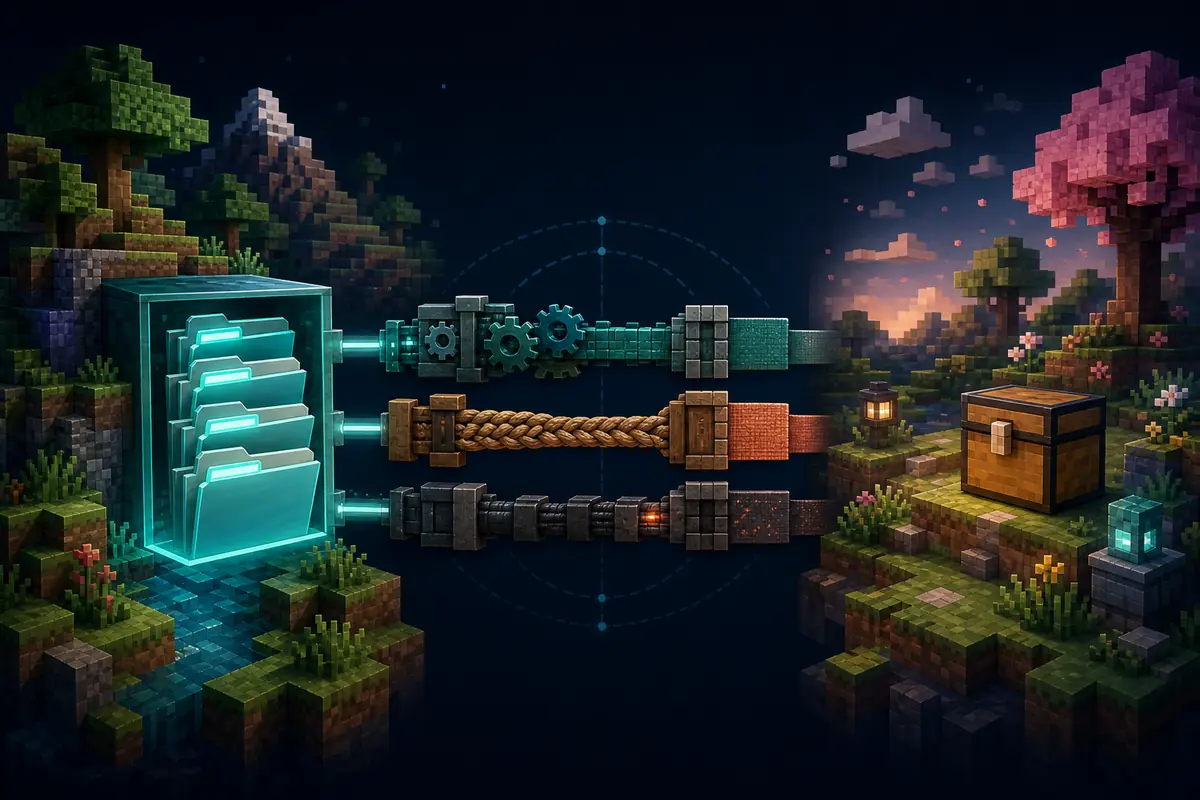
Forge and Fabric are different installation paths
For a Forge 1.20.1 profile, install the matching Forge loader, then add only the dependencies and mod files documented for that profile. Verity JE Forge 1.20.1 is a site-checked example; its verified version should still be confirmed on the official project page before use.
For a Fabric 1.20.1 profile, use the Fabric loader and the exact Fabric API or library versions listed by the project. Do not rename a Forge JAR, move it into a Fabric profile, or infer support from a video thumbnail. If a mod page does not name Fabric 1.20.1, classify it as not confirmed rather than forcing the install.
For multiplayer, make a written manifest before anyone joins: Minecraft version, loader build, mod versions, dependencies, server-side files, client-side files, resource packs, and configuration changes. This is also the fastest way to diagnose a mismatch.
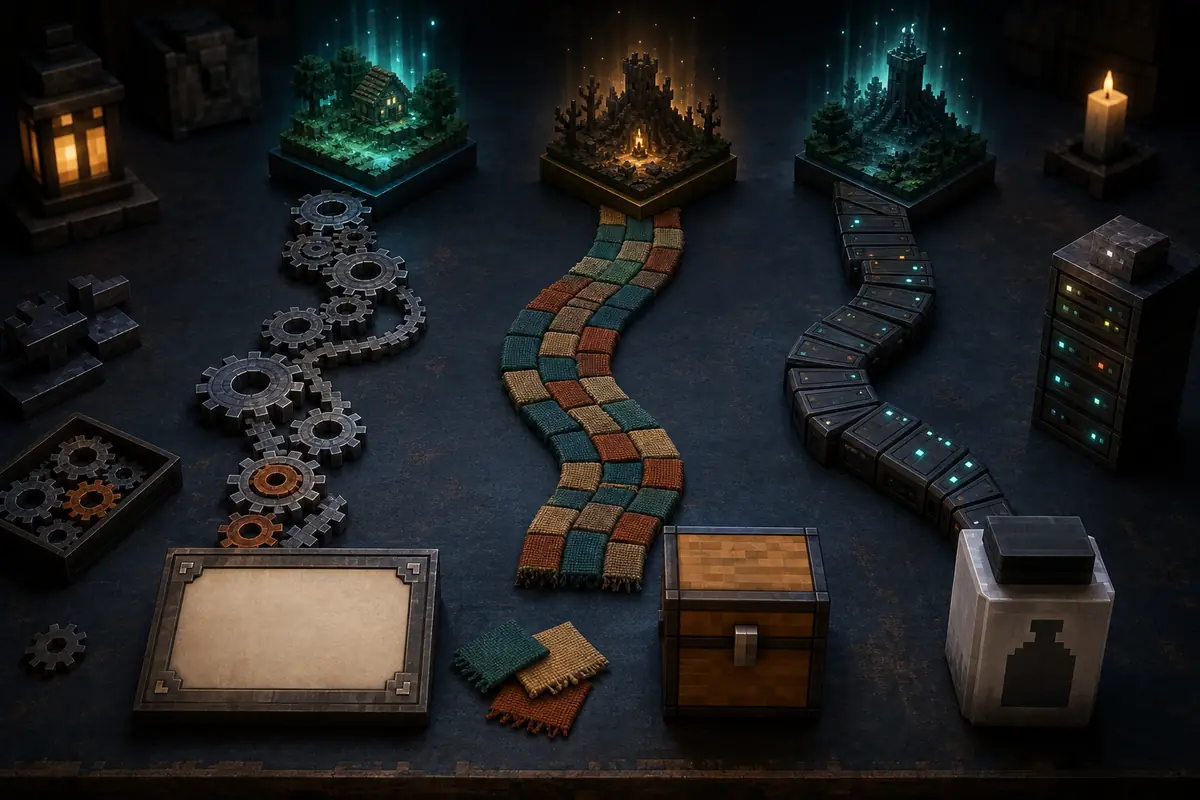
Safe installation workflow for a 1.20.1 horror profile
Use a traceable project page such as CurseForge, Modrinth, or a developer-controlled release page. Confirm the publisher, exact game version, loader, file date, dependencies, and changelog. This page does not add a new download button because a version guide should send you to the authoritative project or file page rather than guess a CDN path.
Keep the horror profile separate from important saves. Launch once with only the loader and required libraries, add one major threat, create a new world, and inspect the log before adding ambience, optimization, voice, or visual companion mods.
- 1
Lock Minecraft 1.20.1
Create a profile that cannot silently switch to another game release.
- 2
Choose one loader
Use Forge or Fabric according to the exact project file, never both in one profile.
- 3
Verify the project page
Match publisher, file date, dependencies, loader, and client/server role.
- 4
Test one major mod
Use a new world and check startup, generation, audio, entities, memory, and logs.
- 5
Back up before updates
Keep the last working profile and world copy so a new file can be rolled back.
Final decision: choose the compatible fear loop
Choose Verity JE when the Verity experience is the reason for the install, Cave Horror Project 1 when mining tension is the priority, a confirmed Forge project for a Forge-first profile, or a confirmed Fabric project for a Fabric-first profile. The loader and version decision comes before the monster list.
If your intent is a broad comparison, continue to the best Minecraft horror mods guide. If your intent is a shared server, use the multiplayer guide. If you need Bedrock, stop here and switch to the Bedrock-specific add-on workflow; Java 1.20.1 JARs are not Bedrock packages.
Minecraft horror mods 1.20.1 FAQ
What Minecraft version do famous horror mods use?
There is no single version shared by every famous horror mod. For this guide, use only files whose project page explicitly lists Minecraft 1.20.1, then match the named Forge or Fabric loader and dependencies.
Can Minecraft horror mods 1.20.1 run on Fabric?
Only when the specific project offers a Fabric 1.20.1 file and lists its required Fabric API or libraries. A Forge file cannot be made Fabric-compatible by renaming it.
Can I use a 1.20.2 horror mod on Minecraft 1.20.1?
Do not assume that nearby releases are interchangeable. Keep the file out of the profile unless the publisher explicitly documents 1.20.1 support or a tested compatibility range.
Do Minecraft horror mods 1.20.1 work in multiplayer?
Many can, but the server and clients must share the exact game version, loader, mod versions, dependencies, and configuration. Test a clean server profile before using an important world.
Is Verity JE available for Minecraft 1.20.1?
As of August 16, 2026, CurseForge lists file page 8647355 as Verity JE v6.0.0-beta.5 for Minecraft 1.20.1 Forge, and the page shows 245.9 MB. Its automated download endpoint returned HTTP 403 during the check, so use the official file page instead of a guessed CDN URL. Modrinth record ZxHGMv6f is a separate older record.
Compatibility and project sources
- Verity JE on CurseForgeProject permission, loader branches, and current file metadata.
- Cave Horror Project on CurseForgeProject page for the cave-horror branch and its supported files.
- Minecraft Forge downloadsOfficial Forge distribution and version selection.
- Fabric installation guideOfficial Fabric loader installation path.