
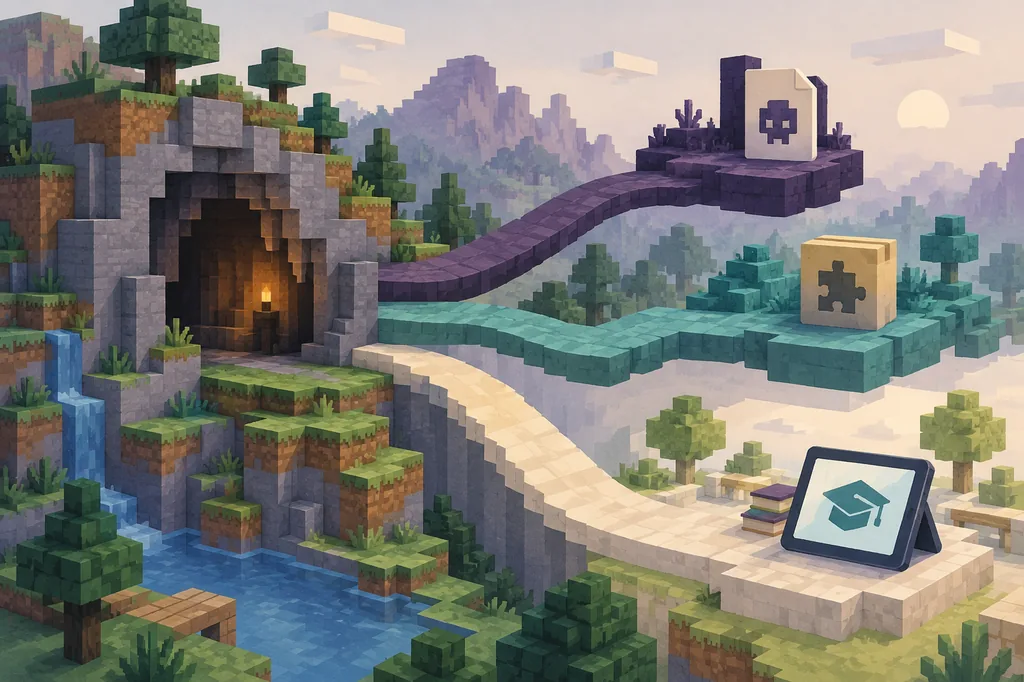
Quick verdict: is Verity Mod available for Minecraft Education?
For Verity Mod Minecraft Education, treat compatibility as unconfirmed unless a publisher documents an Education release. A Java JAR or Bedrock MCADDON is not automatically an Education package. Java depends on loaders such as Forge or Fabric; Bedrock uses packs, manifests, behavior packs, and resource packs. Minecraft Education is a separate product and account environment, so a file name does not prove the same code exists.
The site's Verity and platform pages are separate records. If a page names Java, Forge, Fabric, NeoForge, Bedrock, MCADDON, or MCPACK but not Minecraft Education, mark Education as unconfirmed. Do not replace that gap with a renamed JAR, an APK, or a video without a traceable source.
School and managed devices add permission limits. Account policy, device management, network filters, or classroom rules can block a valid add-on. Ask for an Education-compatible release and test it only in an approved environment; otherwise use the documented Java or Bedrock route.
- Do not rename a Java JAR and call it an Education add-on
- Do not install an APK advertised as a Minecraft Education mod
- Do not confuse a Bedrock community port with Education support
- Ask for an Education-specific project page, package, and instructions
- Test only on a disposable world and an approved school device
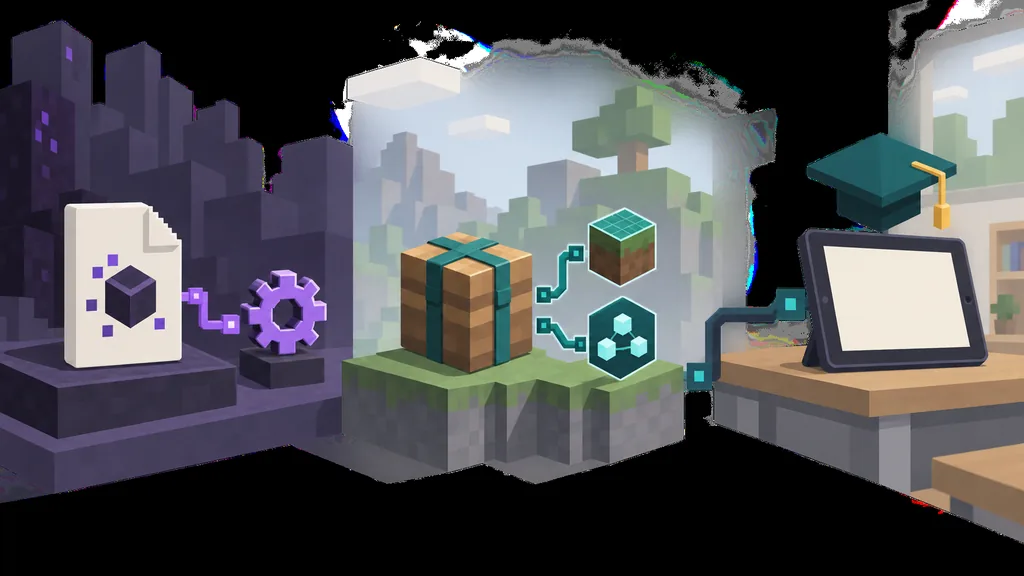
Java, Bedrock, and Education use different compatibility paths
Java Edition mods run in Minecraft Java and commonly rely on a loader, version, libraries, and a mods folder. A valid Java profile may still be impossible to import into Minecraft Education because the loader is part of the runtime contract.
Bedrock content uses another package format. An add-on may include behavior and resource packs, manifest identifiers, scripts, and a supported version. A genuine community Verity Bedrock project can still lack an official Minecraft Education release; Education support must be stated separately.
Education adds classroom and account constraints. A lesson resource, world template, add-on, and Java mod are not interchangeable. A search result may point to a tutorial, unrelated world, or third-party download, so confirm the target edition before opening a package.
| Platform | Typical content path | What must be confirmed |
|---|---|---|
| Java Edition | JAR plus Forge, Fabric, or NeoForge profile | Minecraft version, loader, dependencies, client/server role, and source page |
| Bedrock Edition | MCADDON or MCPACK with behavior/resource packs | Manifest, Bedrock version, experiments, pack pair, device workflow, and publisher |
| Minecraft Education | Education-supported resource or add-on workflow | Education edition support, account permissions, managed-device policy, and approved installation path |
Why the file name or video title is not proof
Verity results can mix official references, community recreations, Bedrock ports, videos, and pages that reuse a popular title. A thumbnail saying “Education,” “mobile,” or “all devices” is not a project manifest or platform statement. The more urgent the download page feels, the more carefully you should identify the source.
A useful evidence chain has five parts: a named publisher, a page identifying the target edition, a matching file type, a version or release note, and device or account instructions. If one is missing, label the result unverified. Do not fill the gap with a guessed CDN address, renamed archive, or copied file.
Education questions invite false equivalence. Bedrock may run on similar devices without every Bedrock add-on becoming an Education resource. Java and Bedrock pages explain the boundary, but they do not replace an Education-specific compatibility statement.
- Project or publisher name is visible and traceable
- Target edition is stated on the project or release page
- Package type matches the target edition
- Release notes identify the game or Education version
- Installation instructions match the device and account model
How to check a Verity Mod Education claim safely
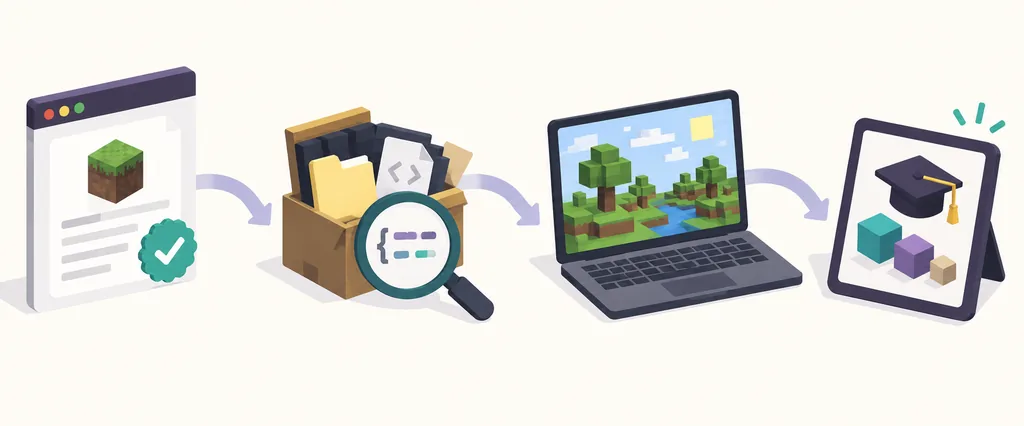
When a result claims Verity Mod works in Minecraft Education, use this order. The goal is to avoid presenting an unverified file as official or classroom-ready. Save the links so a teacher or administrator can review the evidence.
Label community pages as community-made. Use videos only as leads and find the project page behind them. If the only download is an APK, EXE, password archive, survey gate, or metadata-free mirror, stop: those formats do not prove Education compatibility and may add security risk.
- 1
Identify the exact edition
Look for Minecraft Education by name, not only Minecraft, Bedrock, mobile, or Windows. Record the product wording and the supported device.
- 2
Open the first-party or project page
Check the publisher, release history, package type, version, dependencies, and any Education-specific instructions.
- 3
Check the account workflow
Ask whether the school account, managed device, classroom tenant, or administrator must approve the content before import.
- 4
Use a clean test world
Back up the world, use a disposable profile, and test only the documented package. Never start with a valuable classroom world.
- 5
Record the result honestly
Mark the project confirmed, community-only, incompatible, or unverified. Do not upgrade a missing statement into a compatibility promise.
School devices and classroom accounts add another gate
A home computer and a managed school device do not offer the same installation freedom. Administrators can restrict external downloads, account permissions, storage, and network access, while teachers may need one reproducible resource for the whole class.
Do not ask students to bypass device management or install unknown executables for a horror mod. Discuss the topic as a compatibility case study, but keep practical installation inside the school's approved software and safety process.
- Confirm administrator or teacher approval before importing content
- Keep student accounts and personal credentials away from unknown download pages
- Use a shared manifest or resource note when a class must reproduce the same setup
- Document how to disable the content and restore the backup
- Separate a classroom demonstration from a personal Java or Bedrock mod profile
What to do if you want Verity-style content in Education
If the goal is atmosphere rather than a specific file, use an approved world, lesson resource, or teacher-created activity that fits Minecraft Education's supported path. This preserves the creative goal without presenting a Java horror mod as a classroom add-on.
If you want the actual Verity Mod, choose the edition documented by the publisher. The Java page covers Forge and Fabric, and the Bedrock page covers MCADDON and MCPACK checks. The download page shows file status; it does not prove an Education package exists.
Final decision: wait for Education-specific proof
For now, treat Verity Mod Minecraft Education compatibility as unconfirmed unless a publisher provides a specific Education release and a reproducible approved workflow. Do not infer support from Java, Bedrock, mobile, or Windows wording alone.
This boundary does not mean that every community project is false. It means that platform claims need platform evidence. A real Bedrock add-on, a real Java mod, and a real classroom resource can all exist while remaining different products with different installation rules.
When a new release appears, recheck the project page, package metadata, product, device instructions, and account requirements. Until they match, keep the file outside Education and use the documented Java or Bedrock route.
Verity Mod Minecraft Education FAQ
Can I install the Verity Mod Java JAR in Minecraft Education?
Not by default. A Java JAR depends on Java Edition and its loader. Minecraft Education needs a documented content path; copying or renaming a JAR does not create one.
Does a Verity Bedrock MCADDON work in Minecraft Education?
Do not assume it does. A genuine Bedrock add-on may lack Education support. Confirm the target product, account workflow, and device policy before testing.
Is there an official Verity Mod for Minecraft Education?
The checked references do not provide enough Education-specific evidence to claim one. Treat it as unconfirmed until a publisher names Education and documents a reproducible release.
Can I use an APK to install Verity Mod in Minecraft Education?
No. An APK is not proof of an Education add-on and may be unrelated or unsafe. Use a traceable project page and documented package type.
What should a school check before trying a mod?
Check publisher, edition, package, version, account permissions, device policy, backup, and removal path. Test in an approved disposable world.
Where should I check Java or Bedrock compatibility instead?
Use the site's Java and Bedrock pages for their loader and add-on boundaries. Keep Education as a separate compatibility question.
Education and platform reference points
- Minecraft Education official siteFirst-party product and classroom resource reference; checked September 19, 2026.
- Minecraft Education official pageFirst-party Education product context; use the current official resources for account and platform rules.
- Minecraft add-on installation documentationFirst-party Bedrock add-on package context; it does not by itself establish Minecraft Education support.
- Official Verity reference pageReference page checked for current platform/download context; it is not treated as evidence of an Education package.