
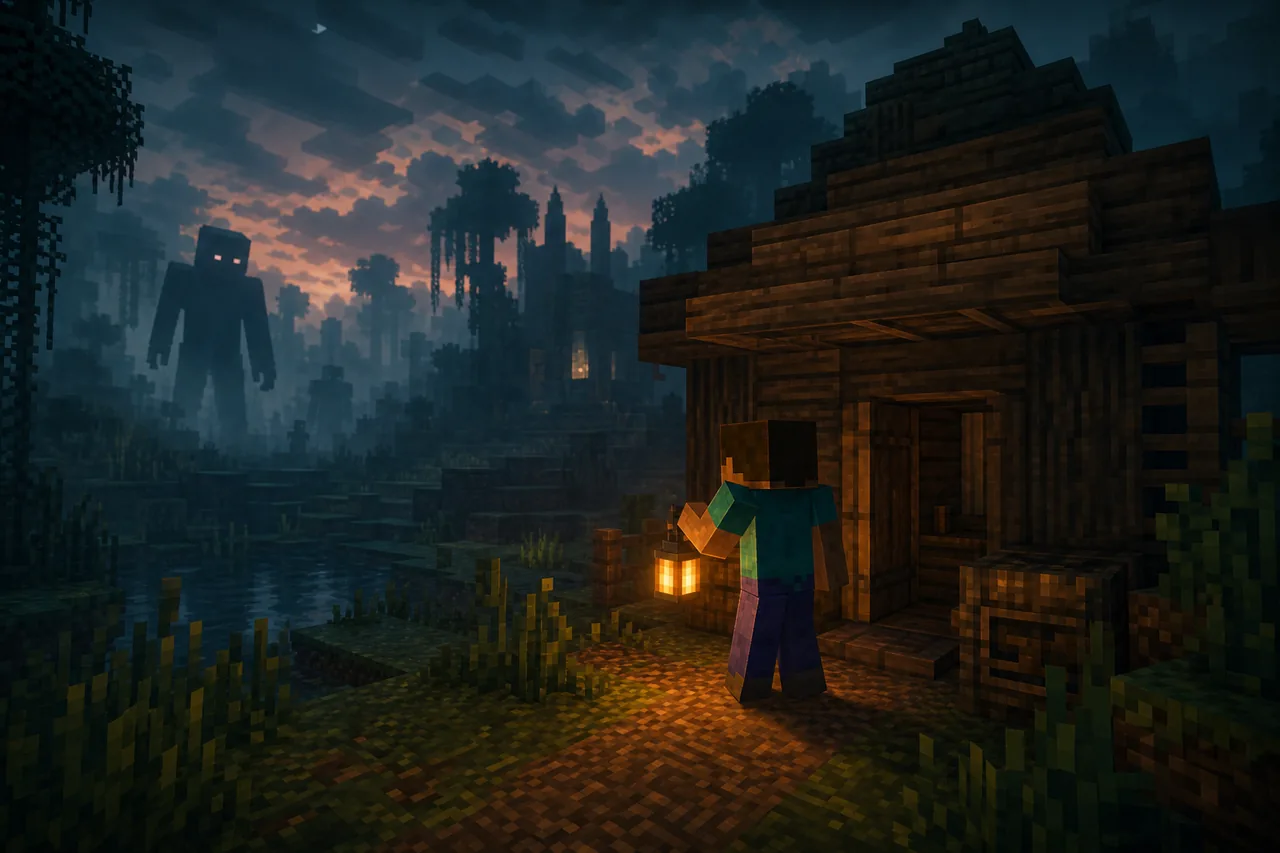
Quick picks by horror style
Choose one dominant threat first: stalkers build suspense, dwellers create frequent chases, and survival overhauls change the whole progression loop.
The safest choice is a creator-maintained page with a changelog, exact package type, game version, and multiplayer notes—not the loudest thumbnail.
| Goal | Best type | Check first |
|---|---|---|
| Slow suspense | Stalker or fog add-on | Spawn rate and sound settings |
| Fast co-op scares | Dweller or chase pack | Host and guest pack parity |
| Long survival | Creature overhaul | Backup and performance |
| Verity-style search | Verify each publisher | Do not assume one official port |
How Bedrock horror add-ons are packaged
Minecraft Bedrock loads behavior packs and resource packs rather than Java bytecode. A legitimate add-on should import through Minecraft, expose pack metadata, and state which Bedrock version it supports.
- A .mcaddon or .mcpack package
- Valid manifest files and unique identifiers
- Behavior and resource packs created for Bedrock
- A stated Minecraft Bedrock version
- A traceable creator or project source

Why Java horror mods do not work on Bedrock
Java Edition mods rely on Java code and loaders such as Forge or Fabric. Bedrock uses a different engine, scripting environment, packaging system, and marketplace/add-on model. Converting a feature-rich Java horror mod is a development project, not a file rename.
Websites that offer the same file for Java, Android, iOS, console, and Windows without platform-specific documentation should be treated as high risk.
How to install a verified horror add-on
These steps apply only after a trustworthy project publishes a genuine Bedrock package.
- 1
Back up the world
Export or copy the world before enabling experimental community content.
- 2
Open the package
Open the MCADDON or MCPACK file with Minecraft and wait for the import result.
- 3
Activate the packs
Enable both required behavior and resource packs in the world settings.
- 4
Check experiments and dependencies
Enable only the experimental toggles explicitly required by the creator.
Warning signs of a fake or unsafe port
Avoid password-protected archives, executable installers, surveys, notification prompts, and downloads that do not identify a version or author. Do not install Android APK files advertised as a Minecraft add-on.
How to review a Bedrock horror package
Before listing a Verity Mod Bedrock download as verified, we would connect the publisher to a public project page, inspect the package type, confirm the manifest and supported game version, review its required experiments, and check whether the download matches the documented filename and size.
The page would also separate platform instructions. Windows and Android can generally open a valid MCADDON directly, while iOS uses its file-sharing workflow and consoles may require officially supported content routes. A single instruction that tells every device to install an APK is not credible Bedrock documentation.
Finally, the release record should explain attribution. A fan-created Bedrock port can be real and technically functional while remaining unofficial. Labeling it as a community remake gives players accurate expectations and respects the original character creator and the add-on developer.
Testing should cover a new world, an imported backup, single-player behavior, multiplayer pack delivery, entity persistence, sounds, animations, and save compatibility. Reviewers should record the exact Bedrock version and device because a successful Windows import does not prove that the same package works on Android, iOS, or console.
Performance is another practical requirement. Repeated commands, large textures, dense particle effects, and uncontrolled entity spawning can make a horror add-on unstable on mobile hardware. A useful release note should state known limits and provide a removal procedure before players commit an important world.
Updates should preserve package identifiers when the creator intends Minecraft to replace an older version. Changing identifiers can create duplicate packs and confusing world dependencies. Players should remove obsolete duplicates only after confirming which pack a backed-up world references.
Creators should publish a short uninstall note that explains what happens to custom entities and world data when packs are disabled. Players can then decide whether to remove the add-on from a copy, restore a backup, or keep the old environment. Clear rollback instructions are especially important when a project uses experimental scripting features.
A verified listing should never imply Marketplace approval unless the content actually appears through that channel. Community installation and official Marketplace distribution have different review, device, and account workflows. Accurate labeling prevents a working sideloaded add-on from being mistaken for an official Minecraft product.
Realms, performance, and partial-import checks
If a Verity Mod Bedrock import works but the world shows missing textures or inactive behavior, verify that both required packs are enabled and that their dependency identifiers match. Check the content log for manifest and script errors. Do not download random replacement packs: the project issue tracker is better evidence for diagnosing a package that imported only partially.
Minecraft Bedrock horror mod FAQ
Can I play Verity Mod on Minecraft Bedrock?
CurseForge currently lists Verity BE 1.0.8 for Minecraft 1.21.130 and Verity Bedrock Edition 2.1.0 V26.30 for Minecraft 1.21.90. They are separate community projects with different publishers, not one automatically official port. Bedrock builds use dedicated MCADDON or MCPACK files; verify the publisher, game version, packs and release page before installing.
Can I convert the Java JAR to MCADDON?
No. Java code and Bedrock add-on content use different engines and formats; a proper port must be developed for Bedrock.
Does Verity Mod work on mobile Minecraft?
Only a genuine Bedrock add-on could support mobile. Do not install an APK that claims to be the mod.
Verified Bedrock sources
- Verity BE on CurseForgeVersion 1.0.8, Minecraft 1.21.130, updated July 15, 2026.
- Verity Bedrock Edition on CurseForgeVersion 2.1.0 V26.30, Minecraft 1.21.90, updated June 27, 2026.
- Minecraft add-on installation documentationOfficial package installation guidance.
- The Man From The Fog [Bedrock Edition]Creator-maintained community project page.
- Cave Dweller [Bedrock Edition]Creator-maintained community project page.
- Dwellers AddonThird-party community project page.