
What does it mean when a Minecraft horror mod breaks the fourth wall?
The fourth wall is the imagined boundary between a story and its audience. A horror mod that breaks it may address the player directly, imitate a system message, refer to events outside the current scene, or make the game appear to react to the person at the keyboard. In a Minecraft world, the effect can turn an ordinary cave encounter into a story about the game itself.
The phrase describes a narrative technique, not a technical permission. A staged chat line, sound cue, renamed item, or scripted screen effect can feel personal while remaining part of the game. Whether software reads files, uses a network connection, or launches another process is a separate question that has to be answered from the actual project, its dependencies, and the behavior you can verify.
Separate what the story says, what the project documents, and what the installed file does. Do not infer system access from dialogue or harmlessness from a playful description.
In-world horror versus meta horror
In-world, or diegetic, horror stays inside the fiction: a creature follows you, a structure changes, or a sound comes from a tunnel. Meta horror notices the player, interface, save, or boundary between game and desktop. A mod can combine both.
Choose by the experience you want. Look for in-world events if you prefer exploration; read the project page and agree on boundaries if you want direct address or staged interface effects.
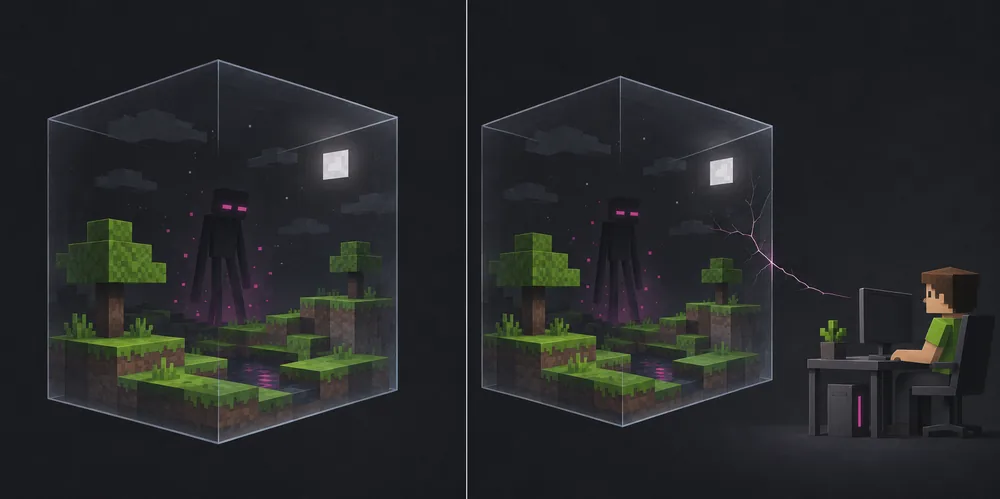
Common effects and what they do not prove
A character might use a profile name, mimic a disconnect notice, or trigger a world change. Sounds, flickers, fake errors, or a return to the title screen may be staged in-game; alone, they do not show file access.
Videos and comments may omit the source, setup, or permissions. Use reports to form questions, then check the author's project page, release history, supported loader and version, dependencies, and explanation of unusual effects.
Treat a separate executable, password-protected archive, unrelated launcher, or broad permission request as a new decision. Do not disable protections or enter credentials to install an unexplained file.
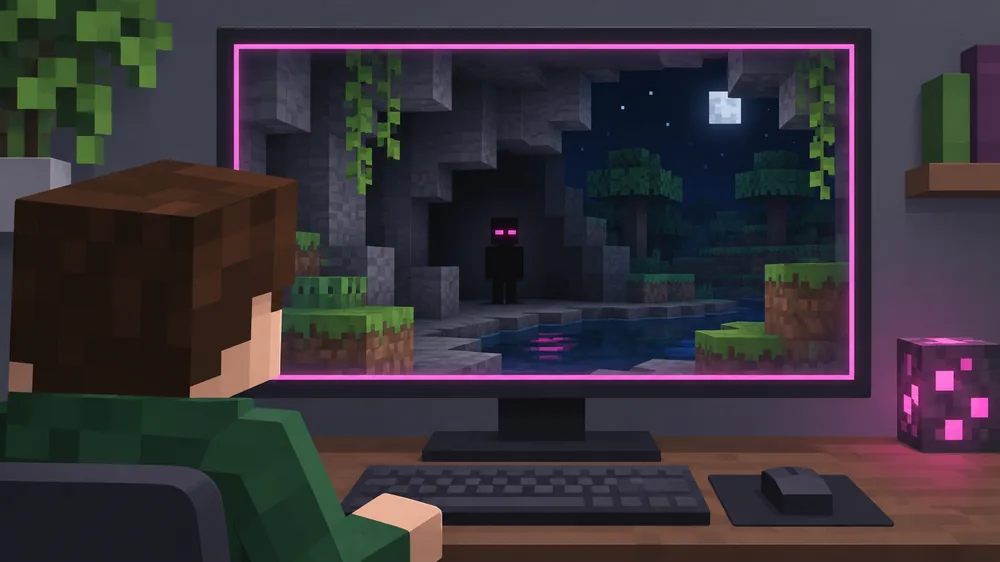
Check the project and file before you install
Start at a maintained mod platform or the creator's documented release channel. Match the author, file, Minecraft version, loader, and dependencies; read the file entry and changelog instead of trusting an unrelated mirror.
Check the package. Java mods commonly use a JAR for a compatible loader; Bedrock add-ons use a different format. Do not treat an unexplained EXE or script as an ordinary mod file, and stop when instructions and package type disagree.
A scan is one signal, not proof: scanners can miss code or flag benign files. Prefer a traceable source, current history, exact version, and documented purpose. Skip files with missing or contradictory details.
| Check | What to compare | Pause when |
|---|---|---|
| Source | Project page, publisher, file entry, and release history | A mirror renames the creator or gives no original page |
| Compatibility | Minecraft version, loader, side, and named dependencies | The instructions require mixing incompatible loader files |
| Package | JAR for the documented Java loader or the project's stated Bedrock package | An unrelated executable or script is required without a clear reason |
| Behavior | Documented story effects, network features, and configuration | The download asks you to disable protections or provide credentials |
Test meta horror without risking your main world
A separate game profile helps with compatibility but is not an operating-system sandbox. Back up the world and configuration, create a disposable test world, and keep the original save closed. Record the exact version, loader, file, and dependencies.
Use the checked source and add one mod at a time. Observe the documented effects, save, exit, and reopen the test world. Do not add an unknown helper executable; advanced users who choose a disposable operating-system environment should understand its shared folders and network settings.
If behavior exceeds the project's description, close the game and keep test files out of your main instance. Save the project link and relevant log details for review. A strange story effect is not a malware diagnosis; unexpected file changes or processes need separate investigation.
- 1
Back up first
Copy the world and configuration, then verify that the backup is outside the test instance and can be identified later.
- 2
Use a fresh profile
Choose the exact game version and loader listed by the project; leave unrelated mods out until the test starts cleanly.
- 3
Add one file at a time
Use the checked project file and only its documented dependencies so an unexpected effect has a narrow set of causes.
- 4
Stop and compare
Close the game if behavior exceeds the stated scope, preserve notes, and do not replace your working save with the test copy.
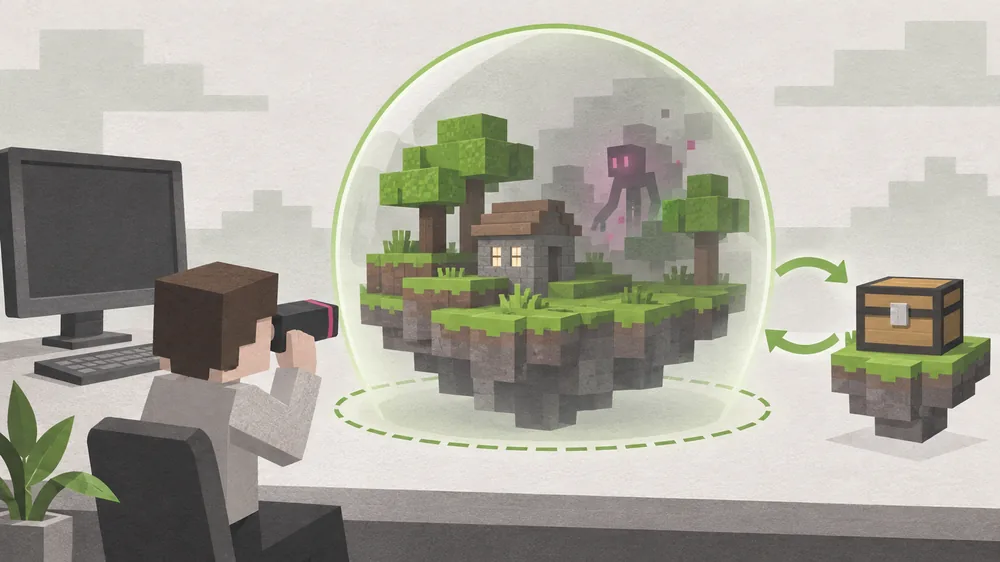
Agree on boundaries before a shared horror session
Before a server session, tell the group about direct address, fake system-style messages, loud sounds, screen effects, or persistent changes. Agree how to mute or leave, and choose another experience if a player is uncomfortable.
Keep the same version and loader on the server and clients, test temporarily, and agree who installs updates. Never send a renamed archive or ask friends to turn off protections. The related multiplayer guide covers compatibility.
Choose a style that matches your boundaries
Choose in-world exploration and creature effects if you do not want the game to address you. For meta horror, look for direct address, staged interface events, save changes, or desktop-related claims in the project page. Treat them as questions to verify, not proof of file behavior.
Category lists help discover themes, but they are not compatibility or security reviews. Check each candidate's own file page. The Verity ARG explanation separates story material from speculation; it does not certify third-party files.
- Read the project's own description and file history.
- Separate fictional claims from documented software behavior.
- Keep an untouched backup of any long-running world.
- Skip files that need unrelated installers, disabled protections, or unexplained credentials.
- Tell friends about intrusive effects before a shared session.
Limits: what this guide can and cannot establish
A description, post, video, scan, or short play session cannot establish every behavior. This guide does not test or label a particular project; it gives a process for checking its source, compatibility, package, and observed effects.
A game profile organizes files but does not isolate the operating system. Protection depends on the computer's configuration and any separate environment. If a file behaves outside its documented purpose, stop and contact the platform or a qualified security professional.
Minecraft Horror Mods That Break the Fourth Wall FAQ
What is a fourth-wall-breaking Minecraft horror mod?
It uses story effects that acknowledge the player or the game itself, such as direct address or staged system-style messages. That describes the narrative, not the mod's technical permissions.
Can a Minecraft horror mod actually read files on my computer?
A fictional claim or in-game message does not prove file access. A mod is executable software, so check its source, package, dependencies, and documented behavior; use a separate test environment and do not grant unrelated access.
Are fake error messages proof that a mod is malware?
No. A fake error can be a scripted horror effect, but it is also not proof that every part of the file is harmless. Compare the effect with the project's documentation and investigate unexpected behavior separately.
How can I test a horror mod without risking my world?
Back up the world and configuration, use a fresh profile and disposable test world, install one documented file at a time, and keep the original save closed. A game profile is organization, not an operating-system sandbox.
Should a Minecraft mod require an EXE installer?
Do not assume an EXE is an ordinary mod file. Check the project's own instructions and purpose; if the executable is unrelated, unexplained, or asks you to disable protections, stop and choose another source.
Are fourth-wall horror mods suitable for multiplayer?
They can be, if every player agrees to the effects and the server and client files match. Explain direct address, loud audio, fake messages, or persistent changes before the session and provide a way to leave.
Sources and further reading
- Top Minecraft Horror Mods by Community DownloadsA current category-list example showing common in-world horror styles and the need to match a loader and Minecraft version.
- Best Minecraft Bedrock Horror Mods by Community DownloadsA Bedrock-specific example; Java and Bedrock projects use different file and compatibility paths.